What to Do If Your Smart Lock Stops Working
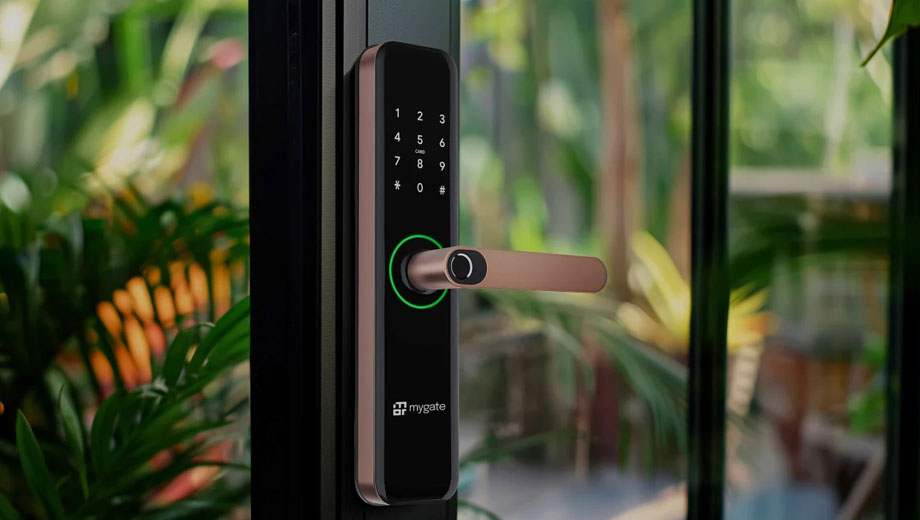
Smart locks offer convenience, security, and keyless access – but like any technology, they can fail. If your smart lock suddenly stops working, it can be frustrating or even stressful, especially if you’re locked out of your home or business.
Before panicking, here’s a step-by-step guide on what to check, what not to do, and when it’s time to call a locksmith.
Step 1: Check the Power Source
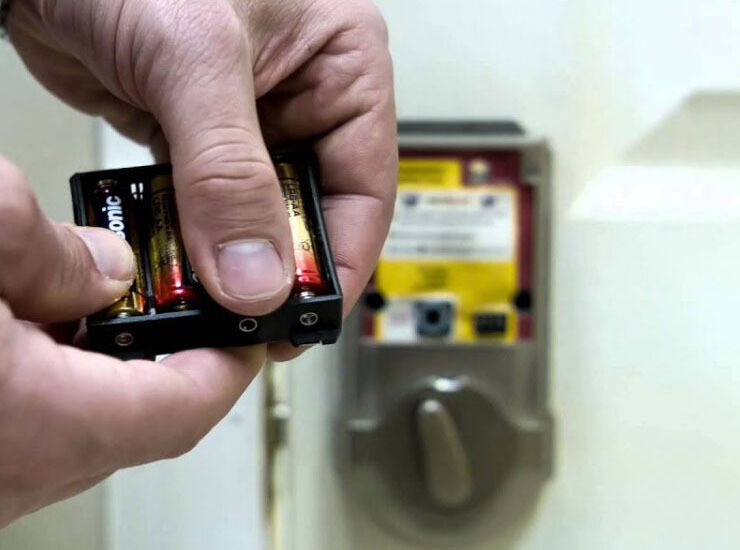
The most common reason a smart lock stops working is low or dead batteries.
What to do:
- Replace the batteries with brand-new ones (not partially used)
- Make sure they’re inserted correctly
- Clean battery contacts if there’s corrosion or debris
Many smart locks will still allow limited access when batteries are low, but once fully dead, the lock may become unresponsive.
Step 2: Try the Backup Entry Method
Most smart locks include a manual override, such as:
- A physical key
- A keypad code
- A backup app or access code
If you have a physical key, try it gently – do not force it. If the keypad or app still works intermittently, use it to regain entry and troubleshoot from inside.
Step 3: Restart or Reset the Lock
Just like other smart devices, smart locks can freeze or glitch.
What to try:
- Remove the batteries for 30–60 seconds
- Reinsert them and allow the lock to reboot
- Follow the manufacturer’s reset instructions if needed
⚠️ Important: Avoid a full factory reset unless you understand how to reprogram the lock afterward. Resetting incorrectly can lock you out completely.
Step 4: Check Wi-Fi or Bluetooth Connectivity
Many smart locks rely on:
- Wi-Fi
- Bluetooth
- A hub or bridge device
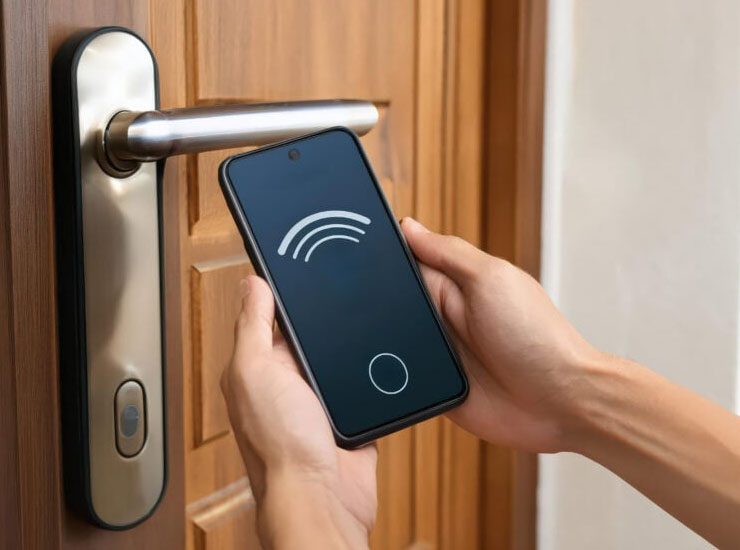
If your internet is down or your phone isn’t connecting properly, the lock may not respond.
Troubleshooting tips:
- Confirm your Wi-Fi is working
- Restart your router if needed
- Make sure your phone’s Bluetooth is enabled
- Update the lock’s mobile app if available
Step 5: Look for Physical Issues
Even smart locks rely on mechanical parts. Problems can occur if:
- The door is misaligned
- The strike plate is off
- The deadbolt is binding due to pressure on the door
Try gently pulling or pushing the door while operating the lock. If it works only when pressure is applied, the issue is likely mechanical – not electronic.
Step 6: Avoid Forcing the Lock
Forcing a smart lock can:
- Damage internal motors
- Break the locking mechanism
- Void the manufacturer’s warranty
If the lock won’t open, stop trying aggressive methods. Forcing it often makes the repair more expensive.
When to Call a Locksmith
You should call a professional locksmith if:
- The lock is completely unresponsive
- You’re locked out with no backup entry
- The lock failed after an update or reset
- The deadbolt is jammed or misaligned
- The lock works electronically but won’t physically unlock
A trained locksmith can safely open the door, diagnose the issue, and either repair or replace the lock without damaging your property.
Final Thoughts
Smart locks are reliable, but they aren’t immune to power issues, software glitches, or mechanical problems. Simple steps like changing batteries or checking alignment often fix the issue – but when they don’t, professional help is the safest option.
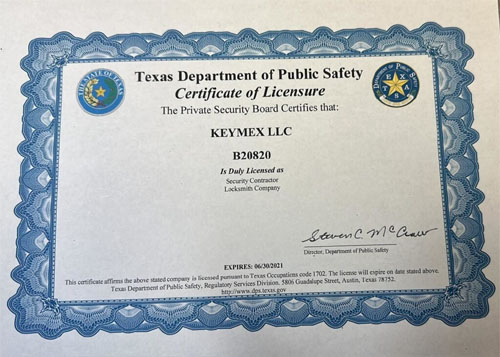
If your smart lock stops working and you need fast, reliable assistance, Keymex Locksmith provides professional mobile locksmith services, including smart lock troubleshooting, emergency lockouts, and secure lock solutions for homes and businesses.
Fast help. No damage. Peace of mind.
📍 Serving all of San Antonio and surrounding areas
📞 Call Keymex Locksmith now or request a quote online
Call now or request a quote online. Contact Keymex Locksmith at (210) 300-7056.